> For the complete documentation index, see [llms.txt](https://docs-embed.anyflow.jp/llms.txt). Markdown versions of documentation pages are available by appending `.md` to page URLs; this page is available as [Markdown](https://docs-embed.anyflow.jp/connectors/notes/slack-vs-slackbot.md).
# SlackBotコネクタの違い
## 概要
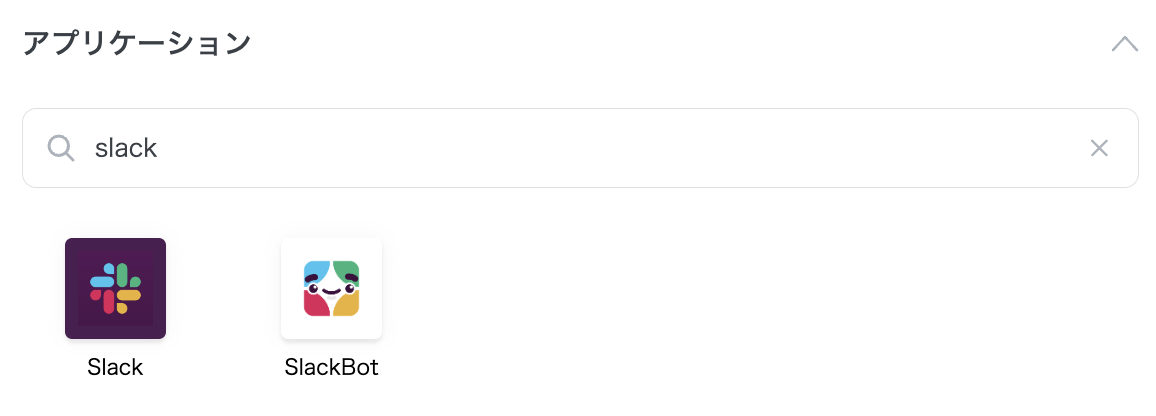
Anyflow EmbedにはSlackに関する2つのコネクタが存在します。
このページでは2つの違いについて説明します。
## Slackコネクタ
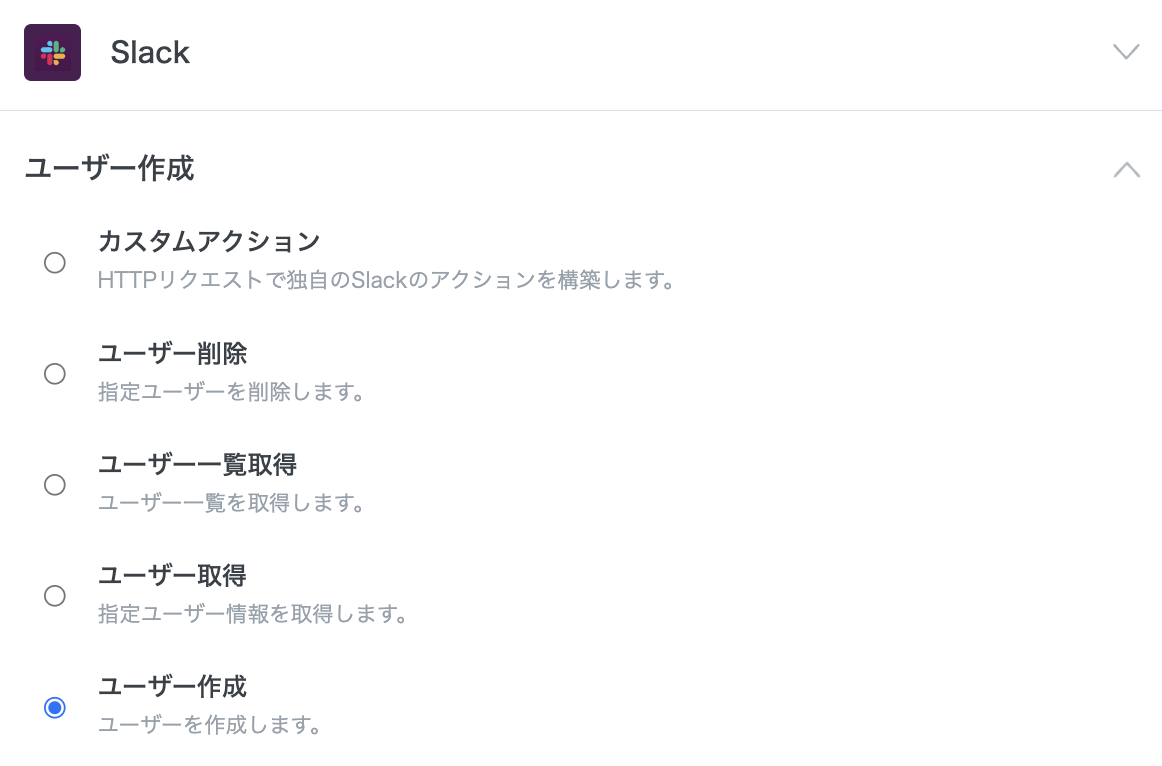
Slackコネクタは、Slackワークスペースのユーザーやグループを作成したり管理するものです。\
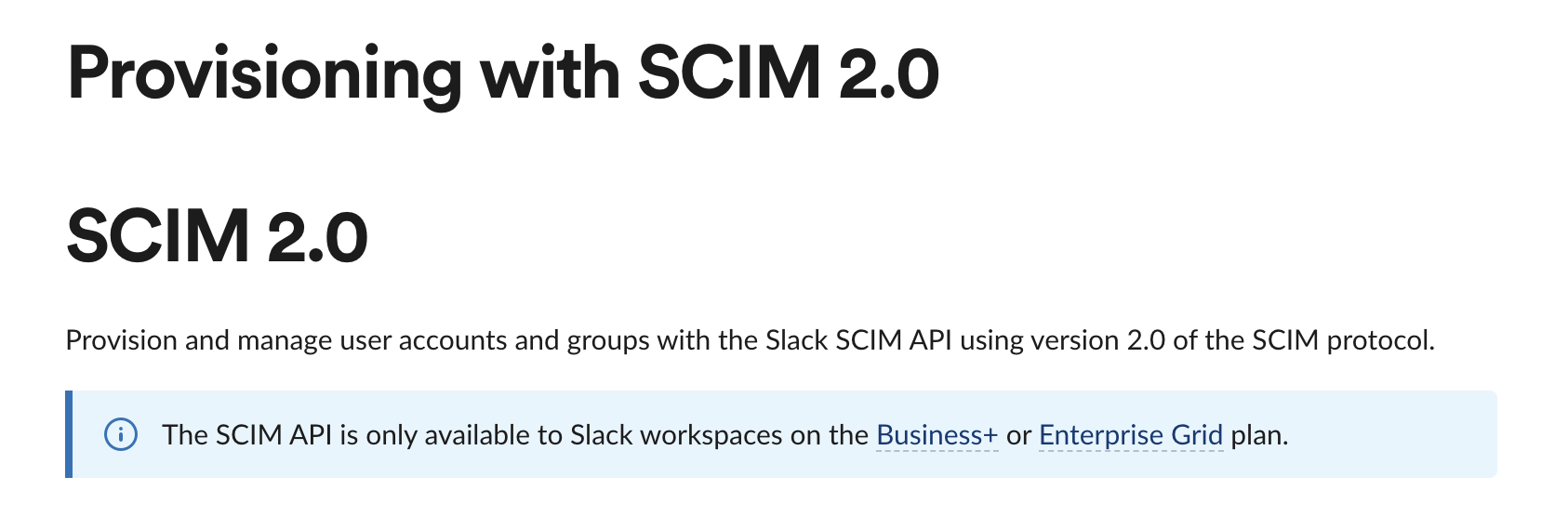
仕組みとしては、Slackの[SCIM API](https://api.slack.com/admins/scim2)を利用しています。
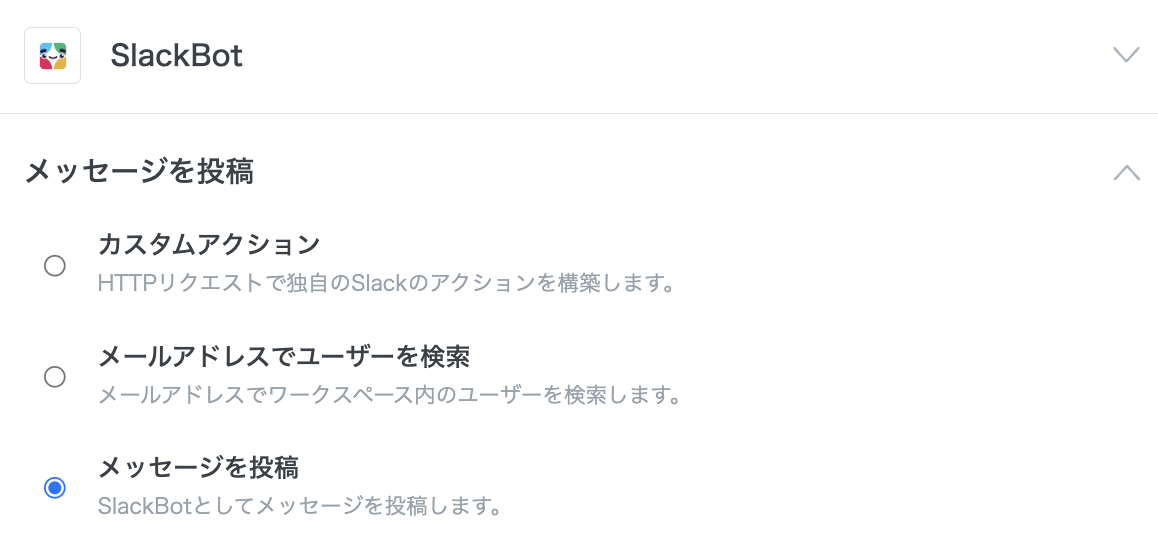
仕組みとしては、[Slack apps](https://api.slack.com/start/apps) として作成したSlack Botに対しAPIリクエストを送っています。\
SlackBotコネクタには、デフォルトでは**Anyflowが作成したSlackBot**が設定されています。
{% hint style="success" %}
### 独自のSlackBotを設定するには
Anyflowのものでない独自のSlackBotを設定したい場合は以下のページをご確認ください。\
[レシピ | 独自のSlackBotを設定する](/recipe/communication/slackbot-custom-original-bot.md)
{% endhint %}
### SlackBotコネクタの利用条件
SlackBotコネクタは、基本的にエンドユーザーのSlackワークスペースのプランに関係なく利用できます。
{% hint style="warning" %}
利用するSlackBotが独自のSlackBotの場合、[Public Distribution](https://api.slack.com/start/distributing) の設定を有効化するようにしてください。無効化している場合は、利用できるワークスペースが自社のみに制限されてしまいます。
{% endhint %}
---
# Agent Instructions
This documentation is published with GitBook. GitBook is the documentation platform designed so that both humans and AI agents can read, navigate, and reason over technical content effectively. Learn more at gitbook.com.
## Querying This Documentation
If you need additional information that is not directly available in this page, you can query the documentation dynamically by asking a question.
Perform an HTTP GET request on the current page URL with the `ask` query parameter, and the optional `goal` query parameter:
```
GET https://docs-embed.anyflow.jp/connectors/notes/slack-vs-slackbot.md?ask=&goal=
```
`ask` is the immediate question: it should be specific, self-contained, and written in natural language.
`goal` is optional and describes the broader end goal you are ultimately trying to accomplish on behalf of the user. GitBook uses it to tailor the answer towards what is most useful for that goal.
The response will contain a direct answer to the question and relevant excerpts and sources from the documentation.
Use this mechanism when the answer is not explicitly present in the current page, you need clarification or additional context, or you want to retrieve related documentation sections.