> For the complete documentation index, see [llms.txt](https://docs-embed.anyflow.jp/llms.txt). Markdown versions of documentation pages are available by appending `.md` to page URLs; this page is available as [Markdown](https://docs-embed.anyflow.jp/connectors/notes/kintone-vs-kintone-oauth.md).
# kintoneコネクタとkintone(OAuth)コネクタの違い
## 概要
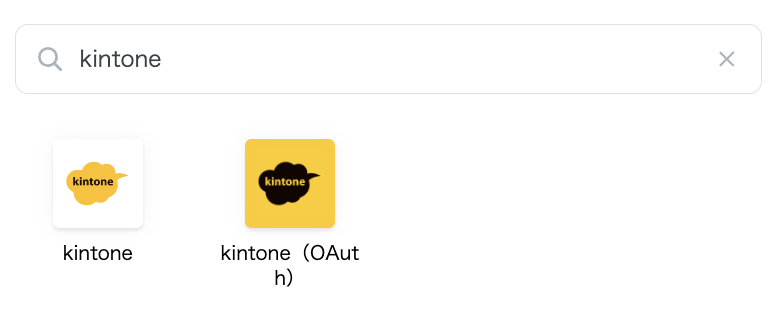
Anyflow Embedにはkintoneに関する2つのコネクタが存在します。
このページでは2つの違いについて説明します。
## kintoneコネクタ
kintoneコネクタでは、認証はkintoneの**アプリ単位**で行います。\
したがって、利用できるAPIもアプリ単位のAPIに限られます。
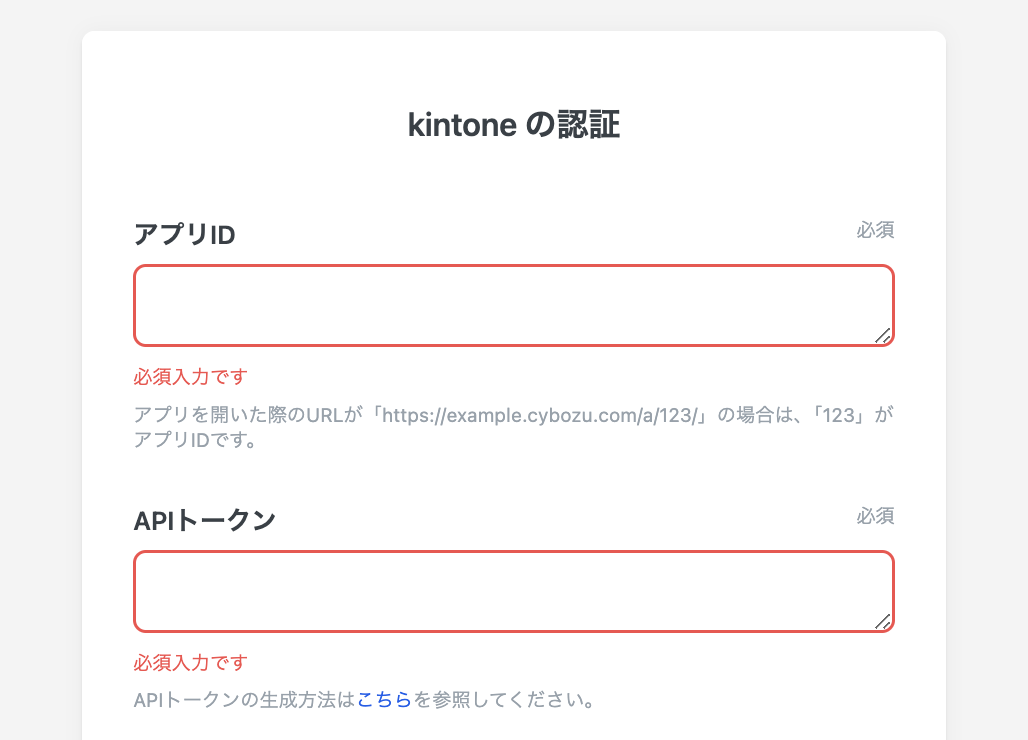
認証に必要な情報は以下のとおりです。
* アプリID:kintoneで作成したアプリのIDを入力します
* [kintoneアプリの作成方法](https://jp.cybozu.help/k/ja/user/create_app/tutorial.html)
* APIトークン:上記アプリの設定画面から作成したAPIトークンを入力します
* サブドメイン:kintoneアカウントに割り振られたサブドメインを入力します
## kintone(OAuth)コネクタ
kintone(OAuth)コネクタでは、認証はkintoneの**アカウント単位**で行います。\
したがって、利用できるAPIはアプリ単位に限定されず幅広いAPIを利用できます。
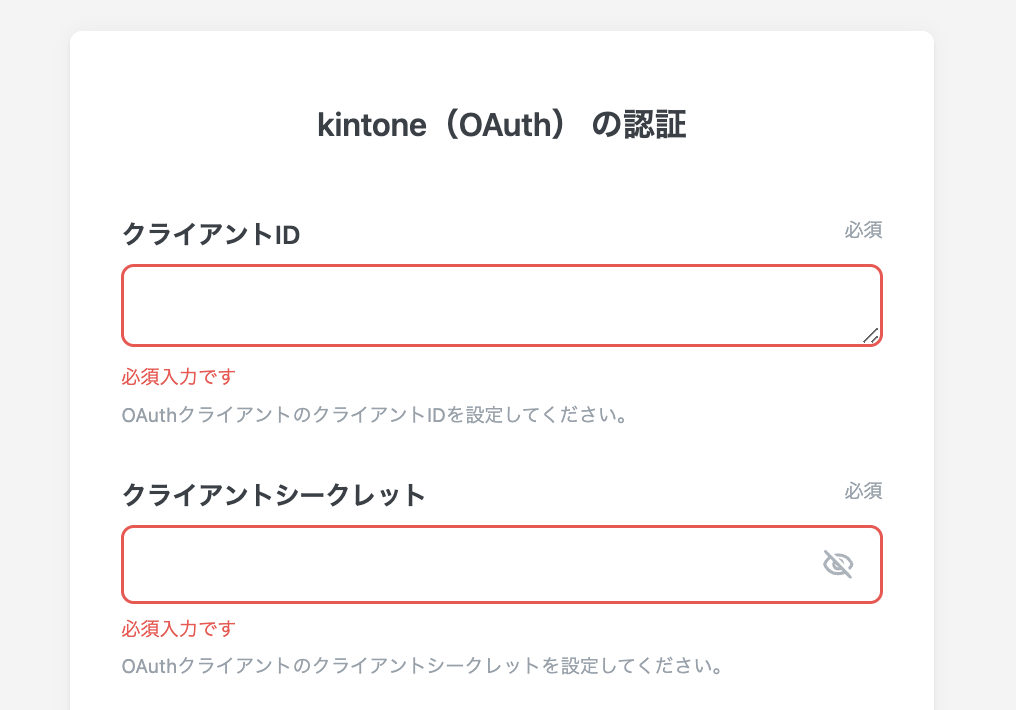
認証に必要な情報は以下のとおりです。
* クライアントID:kintoneで作成したOAuthクライアントのIDを入力します
* [kintone OAuthクライアントの作成方法](https://cybozu.dev/ja/common/docs/oauth-client/add-client/)
* クライアントシークレット:kintoneで作成したOAuthクライアントのシークレットを入力します
## 比較
上述の通り、2つのコネクタでは認証の範囲が異なるため、利用できるAPIも異なります。
kintoneコネクタでは1つのアプリに対してしか処理を実行できず、\
kintone(OAuth)コネクタでは複数のアプリに対しても処理を実行できます。
例えば、[複数のアプリの情報を取得する(GET /k/v1/app.json)](https://cybozu.dev/ja/kintone/docs/rest-api/)のようなAPIは複数のkintoneアプリを横断したAPIとなりますが、kintoneコネクタではこのAPIを実行できず、kintone(OAuth)コネクタでは実行できます。
ただしkintone(OAuth)ではエンドユーザーがOAuthクライアントを作成する必要があるため、操作の難易度が若干上がります。
---
# Agent Instructions
This documentation is published with GitBook. GitBook is the documentation platform designed so that both humans and AI agents can read, navigate, and reason over technical content effectively. Learn more at gitbook.com.
## Querying This Documentation
If you need additional information that is not directly available in this page, you can query the documentation dynamically by asking a question.
Perform an HTTP GET request on the current page URL with the `ask` query parameter, and the optional `goal` query parameter:
```
GET https://docs-embed.anyflow.jp/connectors/notes/kintone-vs-kintone-oauth.md?ask=&goal=
```
`ask` is the immediate question: it should be specific, self-contained, and written in natural language.
`goal` is optional and describes the broader end goal you are ultimately trying to accomplish on behalf of the user. GitBook uses it to tailor the answer towards what is most useful for that goal.
The response will contain a direct answer to the question and relevant excerpts and sources from the documentation.
Use this mechanism when the answer is not explicitly present in the current page, you need clarification or additional context, or you want to retrieve related documentation sections.