> For the complete documentation index, see [llms.txt](https://docs-embed.anyflow.jp/llms.txt). Markdown versions of documentation pages are available by appending `.md` to page URLs; this page is available as [Markdown](https://docs-embed.anyflow.jp/ops/solution-history/for-venders.md).
# ベンダー向け実行履歴
## 概要
ベンダーは、Anyflow Embed の管理画面からソリューションの詳細な実行履歴を確認することができます。
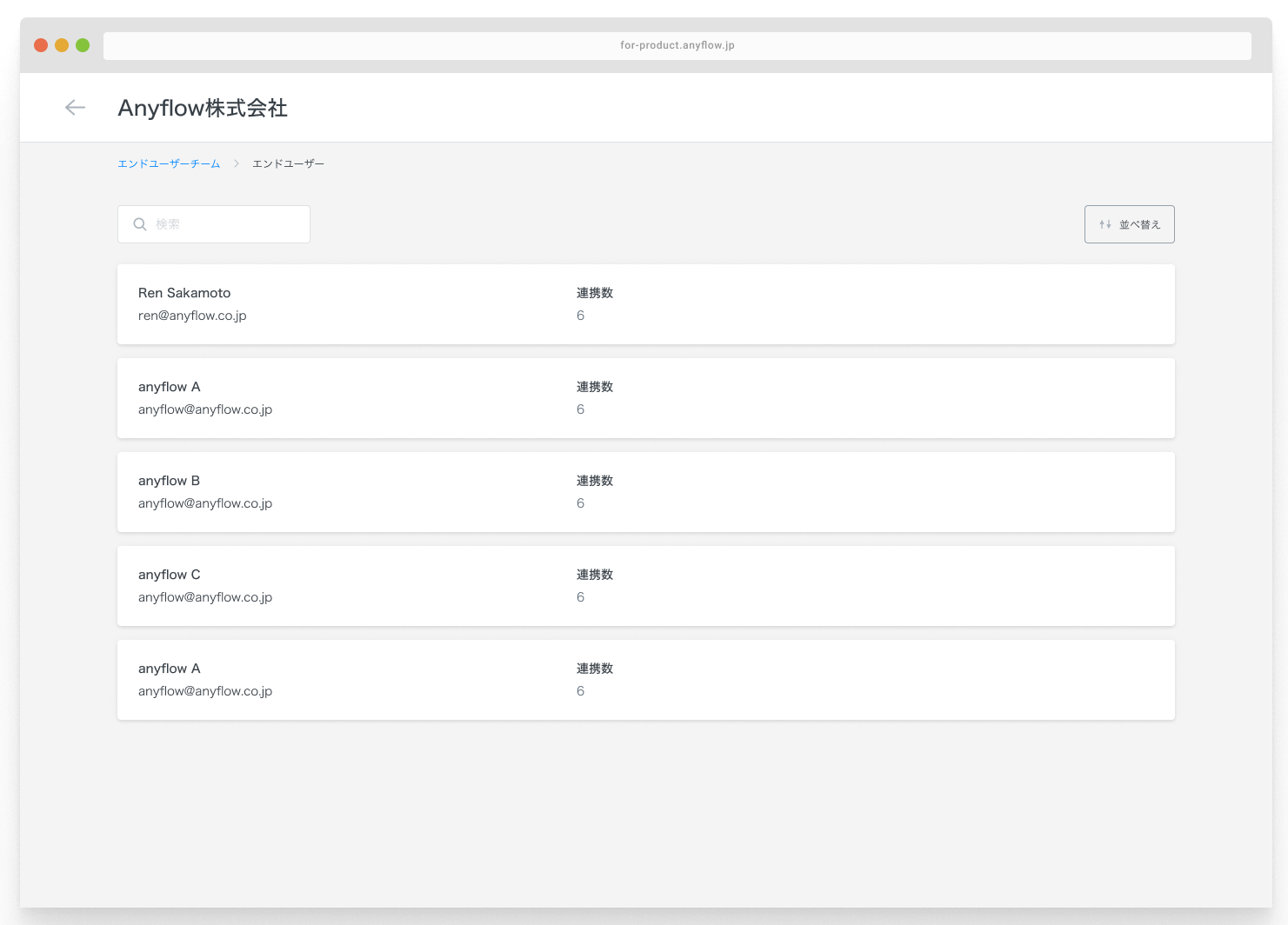
ソリューションの実行履歴は以下の階層構造で管理されています。
1. エンドユーザーチーム / エンドユーザー
2. エンドユーザーがインストールしたソリューションの一覧
3. ソリューションの実行履歴
エンドユーザー管理
{% hint style="success" %}
エンドユーザーの定義はベンダーから渡されたJWTにより決定されます。
JWTについての詳細は[こちら](/release/embed/generate-jwt.md)をご覧ください。
{% endhint %}
## 確認方法
1. 管理画面にて[エンドユーザー実行履歴](https://embed.anyflow.jp/end-user-teams)にアクセスし、確認したいチーム/ユーザーを選択します。
2. 当該ユーザーがインストールしているソリューション一覧が表示されます。確認したいソリューションを選択します。
3. 実行履歴の一覧が表示されます。
4. 実行履歴を選択するとステップごとの詳細なログを確認することができます。
### 実行履歴の表示・保存について
#### 保存期間
ソリューションの実行履歴は、実行終了後 **30日**でシステムから削除されます。 (詳細は[セキュリティポリシー](https://docs-embed.anyflow.jp/policy/security-policy#:~:text=%E3%81%95%E3%82%8C%E3%81%BE%E3%81%99%E3%80%82-,%E3%82%BD%E3%83%AA%E3%83%A5%E3%83%BC%E3%82%B7%E3%83%A7%E3%83%B3%E3%83%87%E3%83%BC%E3%82%BF,-%E3%82%A8%E3%83%B3%E3%83%89%E3%83%A6%E3%83%BC%E3%82%B6%E3%83%BC%E3%81%8C)をご確認ください)
#### 表示上限
実行履歴の一覧表示は **最大500ページ(10,000件)** となります。 これを超える実行があった場合、管理画面からは古いものから順に表示されなくなります。
{% hint style="info" %}
実行件数が表示上限を超えている・過去の実行内容の確認が必要な場合は、Anyflow CS までお問い合わせください。
確認可能な範囲で調査のうえ、ご案内いたします。
{% endhint %}
---
# Agent Instructions
This documentation is published with GitBook. GitBook is the documentation platform designed so that both humans and AI agents can read, navigate, and reason over technical content effectively. Learn more at gitbook.com.
## Querying This Documentation
If you need additional information that is not directly available in this page, you can query the documentation by asking a question.
Perform an HTTP GET request on the following URL with the `ask` and `goal` query parameters:
```
GET https://docs-embed.anyflow.jp/ops/solution-history/for-venders.md?ask=&goal=
```
`ask` is the immediate question: it should be specific, self-contained, and written in natural language.
`goal` is what the user is ultimately trying to achieve, the reason they need the answer. Sharing it helps GitBook give you a better, more relevant answer. A goal is most helpful when it describes the outcome the user wants rather than restating the question. For example, with `ask=how do I create an API token`, a goal like `automate deployments from our CI pipeline` lets GitBook tailor the answer to that use case.
The response will contain a direct answer to the question and relevant excerpts and sources from the documentation.
Use this mechanism when the answer is not explicitly present in the current page, you need clarification or additional context, or you want to retrieve related documentation sections.